AI tech bar.
Walk-up AI triage, a live video agent when needed, and a swap from the kiosk to finish.

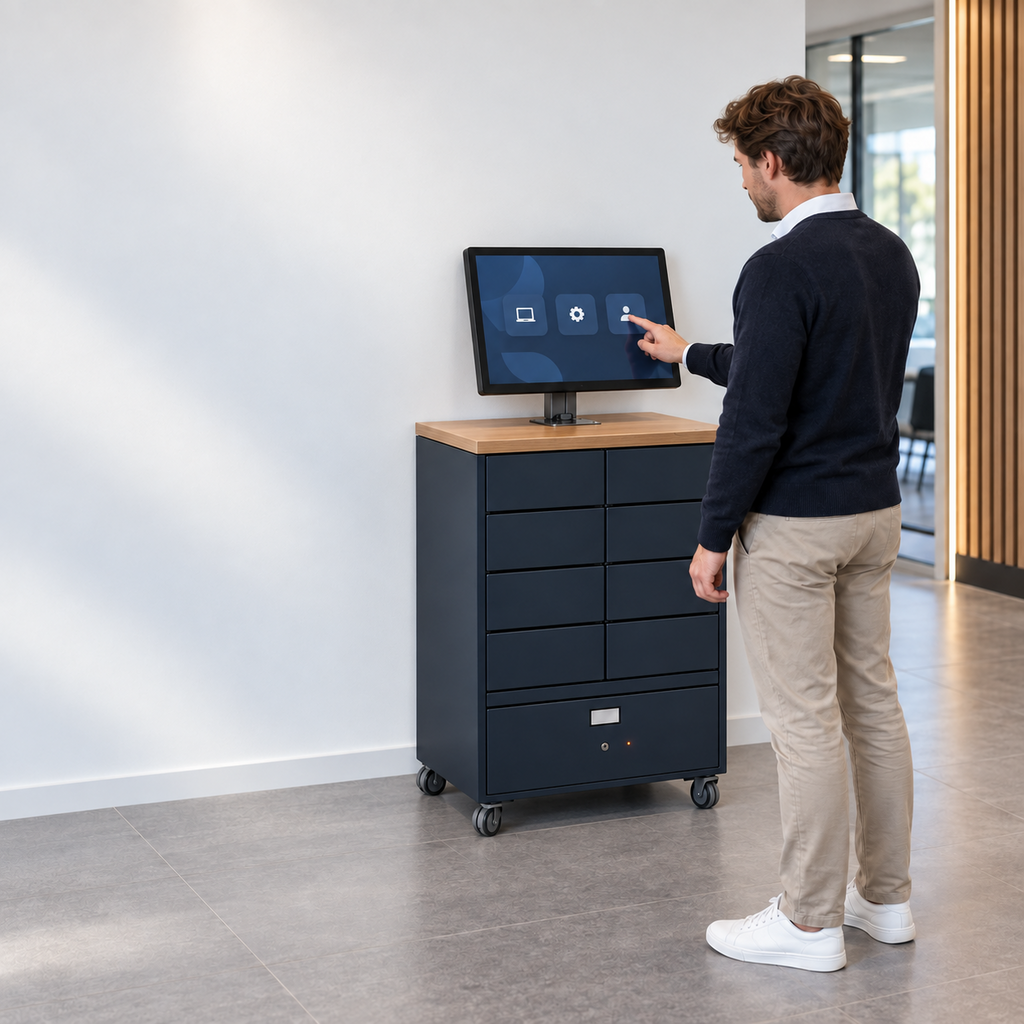
Tools you may already run, plus the one that hands the device over.
From the first signal to a device in hand.
Someone walks up to the Smart Kiosk with a problem.
ServiceNow AI Agents triage it. If it needs a person, a video agent joins through Amazon Connect with the context already in hand.
It is fixed remotely, or finished with a swap from the kiosk's own compartment.
The full sequence
- Someone walks up to the kiosk and signs in.
- An AI agent asks what is wrong and tries to resolve it from knowledge.
- If it cannot, it opens a ticket with the conversation so far.
- A live agent joins by video through Amazon Connect, with the ticket already in front of them.
- If needed, the agent takes remote control of the user's laptop through the kiosk to fix it.
- If the device has failed, a replacement is released from the kiosk compartment and the old one goes in.
- The ticket closes with the conversation, the video session and any swap on one record.
What you need in place
- A Smart Kiosk on site
- ServiceNow ITSM, with AI Agents or Virtual Agent configured for common issues
- Amazon Connect, or another contact centre already linked to ServiceNow, for live video
- Knowledge articles for the issues people bring to a tech bar
How the pieces connect
- ServiceNow AI Agents
- Handle the first conversation at the kiosk and decide whether a person is needed.
- Amazon Connect
- Brings in a live agent by video, using its ServiceNow integration so the agent sees the ticket.
- Smart Kiosk
- Provides the screen, camera, KVM diagnostics and swap compartments, all recorded in ServiceNow.
The physical steps stay the same, whichever system makes the decision.
This recipe starts with AI. The physical steps stay the same whichever AI you choose.
One record of what was decided, and what physically happened.
A reference design for your technical team.
The Blueprint shows how this recipe would work in your ServiceNow instance and what a build would involve. It is a design, not a step-by-step installation guide.
- What you need in place. A Smart Kiosk on site · ServiceNow ITSM, with AI Agents or Virtual Agent configured for common issues · Amazon Connect, or another contact centre already linked to ServiceNow, for live video · Knowledge articles for the issues people bring to a tech bar
- How the pieces connect. The role of ServiceNow AI Agents and Amazon Connect and Smart Collect®, and what stays in your instance
- Step by step. All 7 steps, from the first signal to the returned device
- Approval and policy. AI resolves only from approved knowledge.
- Handover rules and exceptions. Reservations, codes, expiry, returns, and what happens when stock runs out or nobody collects
- What to measure. Share of kiosk visits resolved by AI · Time to a live agent when needed · Share of visits ending in a swap
- What a build involves. The questions to settle first, the roles involved, and how we would scope a six to eight week pilot
Request the Blueprint
A four-page reference design for your technical team. Tell us who you are and the Blueprint downloads straight away.
Before you ask
Does someone have to staff the tech bar?
No. The AI and remote agents handle visits, and engineers restock the kiosk on a schedule. You can still staff it at busy times if you want to.
Is this an off-the-shelf integration?
No. It is a recipe concept that shows what becomes possible when these tools are combined with Smart Collect®. We build it with you, and where needed with the vendor, when it fits your estate.
Where does the data live?
In your own ServiceNow instance. Smart Collect® does not keep a separate database of your users or devices.
Which AI does this need?
Whichever fits your estate. Otto suits companies on the ServiceNow platform, Flow suits teams not on it yet, and the physical steps are the same either way.