Battery and charger health.
Battery decline is reported and a charger or battery released from vending before it fails.

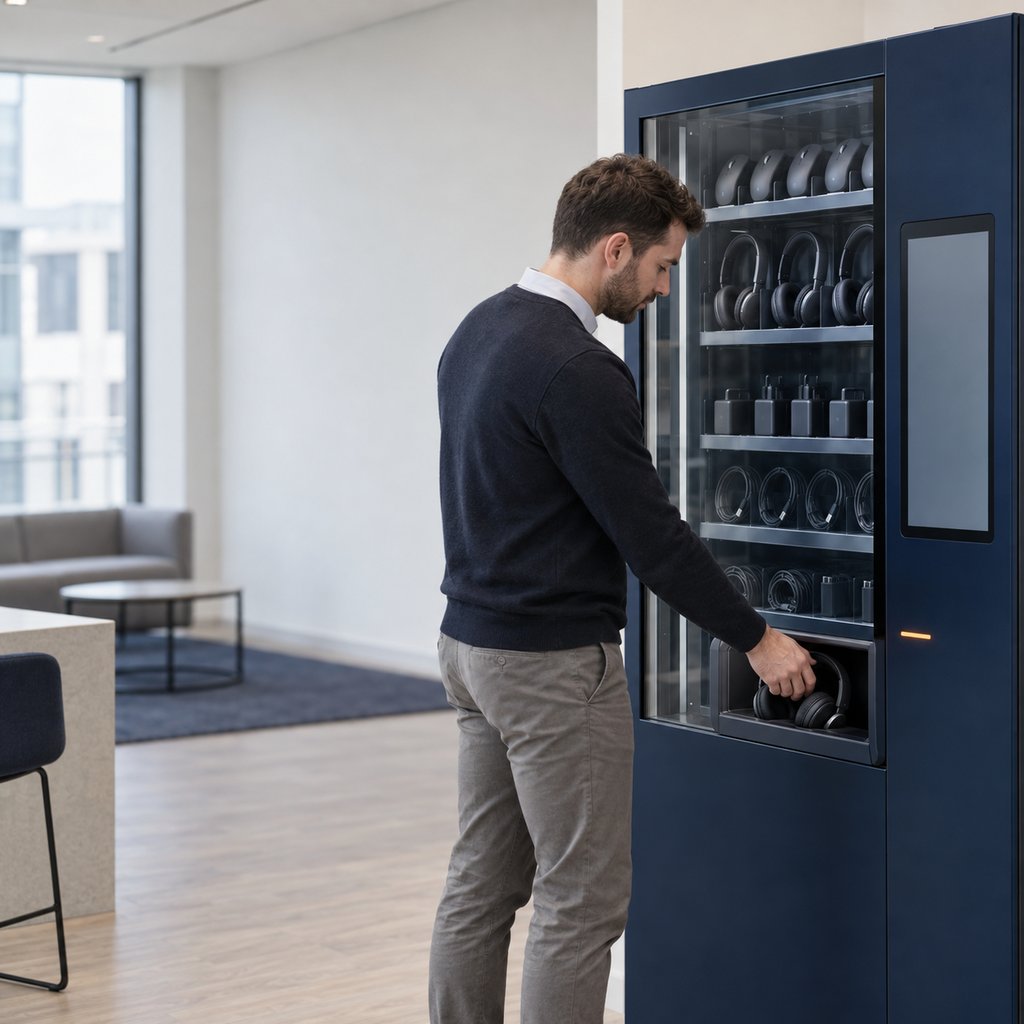
Tools you may already run, plus the one that hands the device over.
From the first signal to a device in hand.
Intune, Jamf or Nexthink reports battery health below a threshold.
A replacement battery or charger is approved against policy.
It is released from vending before the old one fails.
The full sequence
- Battery health on a laptop falls below a threshold.
- ServiceNow raises a replacement request automatically.
- The user is told a charger or battery is ready to collect.
- They collect it from vending with a code.
- The request closes, and stock is updated.
What you need in place
- Microsoft Intune, Jamf or Nexthink reporting battery health
- Smart Vending stocked with chargers and, where supported, batteries
- ServiceNow catalogue items for each charger and battery
How the pieces connect
- Intune, Jamf or Nexthink
- Report battery health into ServiceNow, through their ServiceNow integrations.
- ServiceNow
- Decides when a battery or charger should be replaced.
- Smart Collect®
- Releases the item from vending and records it.
The physical steps stay the same, whichever system makes the decision.
Run this recipe from a standard ServiceNow workflow today, and let AI take the decision later. Nothing on the physical side changes.
One record of what was decided, and what physically happened.
A reference design for your technical team.
The Blueprint shows how this recipe would work in your ServiceNow instance and what a build would involve. It is a design, not a step-by-step installation guide.
- What you need in place. Microsoft Intune, Jamf or Nexthink reporting battery health · Smart Vending stocked with chargers and, where supported, batteries · ServiceNow catalogue items for each charger and battery
- How the pieces connect. The role of Microsoft Intune, Jamf and Nexthink and Smart Collect®, and what stays in your instance
- Step by step. All 5 steps, from the first signal to the returned device
- Approval and policy. Set thresholds by model, so only genuine decline triggers a request.
- Handover rules and exceptions. Reservations, codes, expiry, returns, and what happens when stock runs out or nobody collects
- What to measure. Battery-related tickets · Laptops failing in use from battery problems · Charger spend per head
- What a build involves. The questions to settle first, the roles involved, and how we would scope a six to eight week pilot
Request the Blueprint
A four-page reference design for your technical team. Tell us who you are and the Blueprint downloads straight away.
Before you ask
Will users get chargers they do not need?
No. Requests only start when battery health falls below the threshold you set for that model.
Is this an off-the-shelf integration?
No. It is a recipe concept that shows what becomes possible when these tools are combined with Smart Collect®. We build it with you, and where needed with the vendor, when it fits your estate.
Where does the data live?
In your own ServiceNow instance. Smart Collect® does not keep a separate database of your users or devices.
Do we need AI for this?
No. A standard ServiceNow workflow can run every step today. Otto or Flow can take over the decision later without changing anything on the physical side.