Modernise IT support: proven strategies for enterprise success

TL;DR:
- Modern IT support requires a thorough audit and a focus on data quality before tool deployment.
- Sequential modernization boosts support efficiency, leveraging updated workflows, AI, and self-service channels.
- Accurate KPI tracking and continuous improvement ensure sustained gains in enterprise IT support.
Legacy IT support models were not built for the pace, scale, or complexity of modern enterprise operations. Distributed workforces, rising ticket volumes, and increasingly digital-first employee expectations are exposing the limits of traditional service desk approaches at an alarming rate. The good news is that a structured modernisation programme, one that sequences the right tools in the right order, can deliver dramatic results. GenAI’s top adopters are already seeing mean time to resolution drop by 54% and over 323,000 hours saved. This guide walks you through exactly how to get there.
Table of Contents
- Preparing your IT support environment for modernisation
- Key steps to modernise IT support
- Automating support and enhancing employee self-service
- Measuring and optimising your modern IT support
- What most IT leaders miss when modernising support
- Unlock the next level of IT support with enterprise automation
- Frequently asked questions
Key Takeaways
| Point | Details |
|---|---|
| Sequence matters | Modernisation works best when you update foundational data and processes before introducing AI or automation. |
| Automation boosts efficiency | Integrating automation and self-service can cut resolution times by over 50% and greatly improve employee satisfaction. |
| Self-service is essential | Moving 30% or more of requests to self-service channels is a key benchmark for high-performing IT support. |
| Continuous measurement | Tracking FCR, MTTR, SLAs, and automation rates ensures that modernisation delivers ongoing value. |
Preparing your IT support environment for modernisation
Now that you recognise the need for change, it is essential to start with a clear assessment of your current IT support environment before touching a single configuration.
The single most common mistake enterprises make is treating modernisation as a tool-buying exercise. They procure AI capabilities, spin up new portals, and announce a transformation programme, only to discover six months later that the underlying data is unreliable, the workflows are inconsistent, and adoption has stalled. Avoiding that trap starts with an honest audit.
What to audit first
Begin with your current ServiceNow instance. Identify deprecated applications that are still active, catalogue legacy workflows that have never been retired, and document where manual workarounds have quietly replaced automated processes. Many large organisations are surprised to find that automating desk side support has been discussed for years but never executed because nobody mapped the prerequisite data dependencies first.
Your CMDB (Configuration Management Database) and CSDM (Common Service Data Model) are the foundation of everything else. Sequence is critical: you must update CMDB and CSDM first, then layer in ITOM and ITAM capabilities, and only then introduce AI-driven features. Reversing this sequence produces unpredictable automations and untrustworthy data insights.
Core readiness checklist
Before moving into active implementation, confirm your environment meets these prerequisites:
- Modern ServiceNow workspaces are active and configured for your agent teams
- Flow Designer is being used in place of legacy workflow editors
- Platform Analytics dashboards are deployed and actively monitored
- Employee Center is live or in active rollout (not just planned)
- Deprecated applications have been flagged and decommissioned or scheduled for retirement
- CMDB health score has been assessed and remediation is underway
Our latest survey findings confirm that organisations skipping even two or three of these steps see significantly slower time to value from their modernisation investments.
| Readiness area | Common gap | Priority |
|---|---|---|
| CMDB/CSDM data quality | Stale or incomplete CIs | Critical |
| Legacy workflow retirement | Old workflows still active | High |
| Employee Center adoption | Service Portal still default | High |
| AI prerequisites | Deployed before data is clean | Critical |
| Platform Analytics | Not configured or monitored | Medium |
The readiness assessment phase typically takes four to eight weeks in a large enterprise, and it is time well spent. Organisations that invest in enterprise SaaS development disciplines during this phase, specifically treating their ServiceNow instance with the same rigour as a product, consistently outperform those that treat it as a utility.
Pro Tip: Do not deploy AI-assisted features in ServiceNow until your CMDB health score reaches a level where automated discovery data is trusted by your IT operations teams. AI built on dirty data does not just underperform; it actively erodes trust in your entire support platform.
Key steps to modernise IT support
Once your foundation is set, it is time to drive implementation using proven modernisation steps. Skipping ahead is tempting, particularly under budget pressure, but the sequence matters enormously.
The following steps represent a validated approach for large enterprises. Each builds on the previous one, and shortcutting any step creates rework downstream.
-
Audit and document your current state. Capture every active workflow, integration, and portal in use. Identify which are actively maintained and which have drifted into legacy status without formal retirement.
-
Clean and enrich your CMDB/CSDM. Prioritise the configuration items most relevant to your highest-volume incident categories. Accurate asset relationships are essential for both ITOM and future AI recommendations.
-
Migrate agents to modern workspaces. Modern ServiceNow workspaces give agents unified views of incidents, assets, and knowledge, dramatically reducing context switching and handle time. This step also surfaces workflow gaps that were hidden inside older interfaces.
-
Replace legacy workflows with Flow Designer. Flow Designer offers better visibility, easier maintenance, and native integration with AI and automation features. Every workflow you migrate at this stage becomes a building block for later self-service and automation layers.
-
Migrate employees to Employee Center. Service Portal is considered a legacy platform. New AI features, personalisation capabilities, and self-service enhancements are all being built into Employee Center. Delay here means missing compounding gains.
-
Introduce automation gradually. Start with your highest-volume, lowest-complexity request types. Password resets, access provisioning, and hardware requests are typically the best starting points. Review the automation steps for enterprises that have delivered the strongest results across large multi-site environments.
-
Layer in AI capabilities. With clean data, modern workflows, and established automation baselines in place, AI features will perform as intended. Virtual agents, predictive routing, and anomaly detection all require this foundation.
Traditional vs. modern IT support lifecycle
| Lifecycle stage | Traditional approach | Modern approach |
|---|---|---|
| Incident logging | Phone or email to service desk | Employee Center, virtual agent, kiosk |
| Triage and routing | Manual agent assignment | AI-powered predictive routing |
| Resolution | Agent-driven, reactive | Automated workflows, self-service |
| Asset fulfilment | Manual collection, manual return | Smart locker or vending automation |
| Reporting | Periodic spreadsheet exports | Real-time Platform Analytics |
| Continuous improvement | Annual reviews | Ongoing, data-driven iteration |
Pro Tip: When migrating to Employee Center, run both portals in parallel for a defined period, typically eight to twelve weeks, rather than switching off the legacy portal immediately. Collect usage data during this window to identify which employee segments need additional enablement support before full migration.
Automating support and enhancing employee self-service
Having defined the steps, it is worth exploring in concrete terms how automation and self-service channels transform daily support outcomes, not just in theory but in measurable operational reality.
The targets for a mature modern IT support environment are specific and achievable. You should be aiming for a self-service rate above 30%, first contact resolution (FCR) between 75% and 80%, and SLA compliance above 95%. These are not aspirational numbers; they are the benchmarks that leading enterprises are hitting today.
Where automation creates the most immediate value
Hardware fulfilment is one of the most visible and high-impact areas. When employees need a replacement laptop, a peripheral device, or IT accessories, every manual step in that process costs time and frustrates users. Smart locker and vending automation, when integrated natively within ServiceNow, eliminates the need for IT technicians to be physically present for routine device collection and return. Transforming IT asset support through automated dispensing at multiple workplace locations means employees get what they need immediately, and asset records update automatically without manual re-keying.

Beyond physical asset management, automation has a profound effect on ticket volumes. Modernising IT support with vending and self-service channels can deflect a significant proportion of walk-up requests before they ever reach the service desk. When you combine that with automated password resets, account provisioning workflows, and AI-powered virtual agents, the cumulative deflection rate is substantial.
The data on GenAI specifically is striking. Top GenAI adopters in enterprise IT have reduced MTTR from 51 hours to just 23 hours, a 54% improvement, with 323,000 hours saved across customer environments. That is not a marginal gain; it is a structural change in how support operates.
Common pitfalls to avoid
- Deploying self-service portals without investing in content quality. A poorly written knowledge base deflects nothing and frustrates users.
- Automating processes that are not yet standardised. Automating inconsistency just speeds up errors.
- Neglecting agent retraining. As automation handles routine tasks, agents need new skills for complex, high-value interactions.
- Measuring adoption by portal logins rather than actual self-resolution rates.
Understanding why automating the help desk delivers such strong ROI helps build the internal business case for these investments, particularly when presenting to finance and operations stakeholders who need to see projected cost reductions alongside experience improvements.
Pro Tip: Sequence your automation efforts so that the highest-volume request types are automated first, regardless of complexity. Even partial automation on a 500-ticket-per-month category delivers more value than full automation on a 50-ticket-per-month category.
Measuring and optimising your modern IT support
The final step is to verify that modernisation investments are delivering results and to continually refine your approach based on evidence rather than assumption.
Many enterprises invest heavily in modernisation and then measure success loosely, relying on sentiment surveys or anecdotal agent feedback. That approach misses the compounding gains available when you track the right metrics at the right intervals.
Critical KPIs for modern IT support
| KPI | Target benchmark | Why it matters |
|---|---|---|
| First contact resolution (FCR) | 75–80% | Measures resolution quality and self-sufficiency |
| Mean time to resolution (MTTR) | 54% reduction vs. baseline | Tracks speed and automation effectiveness |
| Self-service rate | 30% or above | Reflects deflection success and portal adoption |
| SLA compliance | 95% or above | Indicates workflow reliability and prioritisation |
| Automation rate | Rising quarter on quarter | Shows maturity of process automation programme |
| Employee satisfaction (ESAT) | Tracked regularly against baseline | Connects operational improvements to user experience |
Target benchmarks of 75–80% FCR, 30%+ self-service rates, and 95%+ SLA compliance are achievable when modernisation is executed in sequence with strong data foundations. The MTTR reduction of 54% is a particularly useful boardroom metric because it translates directly into productivity recovered across the workforce.
How to track and act on these metrics

Platform Analytics within ServiceNow provides near real-time visibility into most of these KPIs, provided your data foundations are sound. Set up scheduled reports for your IT leadership team and use dashboard alerts to surface deteriorating metrics before they become significant problems.
Conduct formal quarterly reviews that assess not just the numbers but the reasons behind them. A rising self-service rate is good; a rising self-service rate driven entirely by one request category while others stagnate reveals an adoption problem that needs targeted attention.
“When our MTTR dropped below 24 hours for the first time, it was not because we bought a new tool. It was because we finally had clean data, consistent workflows, and automation handling 40% of our volume. The platform was always capable. We just had to get out of the way.”
Understanding the future of IT support as a continuous evolution rather than a one-time project is the mindset shift that separates organisations that sustain gains from those that plateau after initial modernisation. Sectors represented across industries driving IT innovation, from financial services to aerospace, share a common trait: they treat IT support as a managed product, not a cost centre.
- Run annual audits of deprecated workflows and unused automations
- Review CMDB health quarterly and remediate actively
- Survey employees on self-service experience every six months
- Benchmark against industry peers using published ITSM data
What most IT leaders miss when modernising support
Most modernisation programmes focus intensely on the tooling decision and far too little on the sequence and foundations that determine whether those tools actually deliver. This is a pattern we observe consistently across large enterprise environments, regardless of sector or platform maturity.
The uncomfortable truth is that AI deployed on top of poor CMDB data does not just underperform; AI without strong data risks hallucinations and outages, eroding trust in the entire platform and creating political backlash that can set a programme back by years.
We have also observed a subtler trap: organisations that successfully modernise the technical layer but neglect the process and cultural layers. Agents who are not retrained become obstacles to automation adoption. Employees who are not onboarded to self-service channels continue to phone the desk. The tools deliver nothing if the humans do not change alongside them.
The lessons from what Covid taught us about IT support are instructive here. The organisations that adapted fastest during that period were not necessarily the ones with the most advanced platforms. They were the ones with the clearest processes, the cleanest data, and the willingness to iterate quickly under pressure. That discipline is what separates organisations that sustain modernisation gains from those that cycle endlessly through transformation programmes without accumulating lasting improvement.
Rapid gains come from a disciplined, data-driven sequence, not simply from buying platforms.
Unlock the next level of IT support with enterprise automation
If this guide has confirmed that your IT support modernisation programme needs stronger automation foundations, Velocity Smart Technology offers a proven path forward. Our solutions are built natively within your ServiceNow instance, which means no additional data platforms, no GDPR exposure, and no manual re-keying of asset or support data.

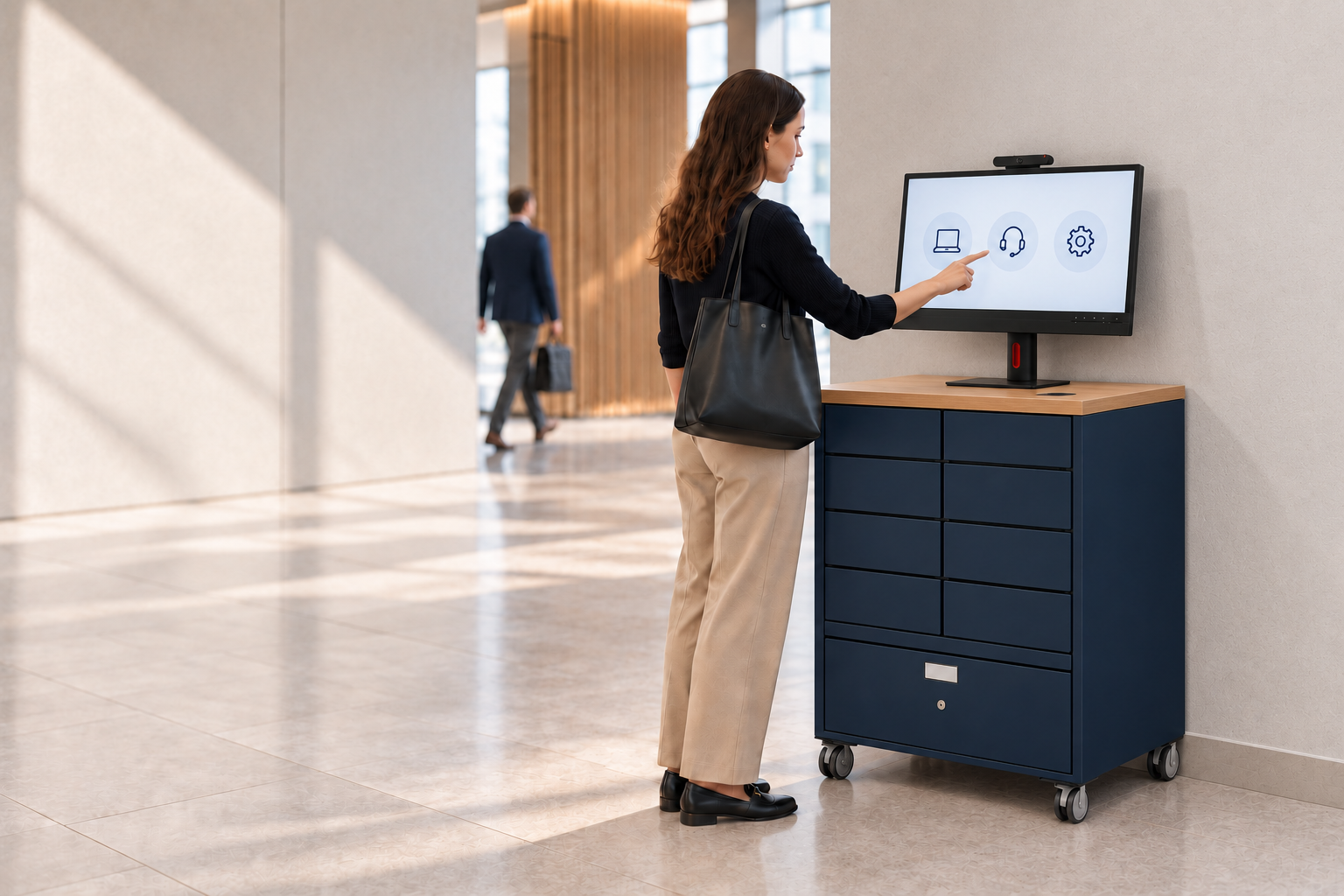
Velocity Smart Collect, our ServiceNow-certified smart locker and vending solution, automates device distribution, collection, and return across multi-site enterprise environments. Combined with our Smart IT Support Kiosks, which deliver real-time remote support and secure diagnostics without onsite technicians, your organisation can dramatically reduce support costs while raising employee satisfaction. Explore how our intelligent workplace automation platform can be configured for your environment, and speak with our team about a tailored transformation approach.
Frequently asked questions
How can we ensure successful adoption of modern IT support tools?
Audit deprecated apps before deploying AI, retrain staff on modern workspaces, and migrate workflows step by step, prioritising clean data and user-centred solutions to build trust and momentum.
What are the most critical KPIs for modern IT support?
Key KPIs include first contact resolution, mean time to resolution, self-service rates, and SLA compliance, with target benchmarks of FCR 75–80%, self-service above 30%, and SLA compliance above 95%.
Why shouldn’t we rush AI deployment in ServiceNow?
Poor data leads to AI hallucinations and outages, meaning that rushing AI before your CMDB and CSDM are clean produces unreliable automations that damage confidence in your entire support platform.
What new features make Employee Center preferable to legacy Service Portals?
Employee Center receives new AI features and self-service enhancements while Service Portal is considered legacy, meaning organisations that delay migration will miss compounding gains from personalisation, analytics, and virtual agent capabilities.
Recommended
See what Smart Collect® could save you
Model your savings in two minutes, or book a 60-minute workshop to pressure-test the numbers against your estate.