Voice to locker.
A call or kiosk video session that ends with a device released at the point of need.

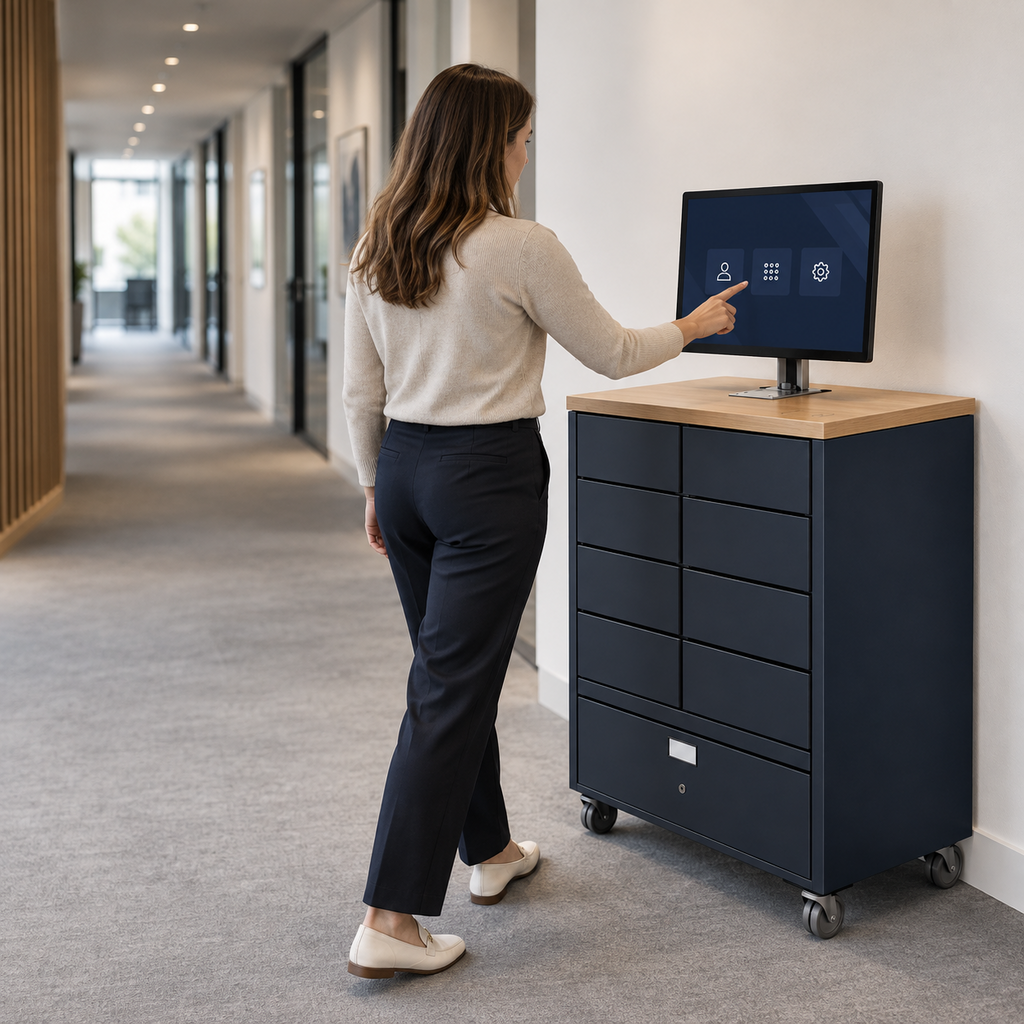
Tools you may already run, plus the one that hands the device over.
From the first signal to a device in hand.
A phone call, or a video session at the kiosk, confirms a hardware fault.
The agent, or the AI, reserves a device in ServiceNow without leaving the call.
The caller collects from the nearest kiosk or locker, usually before the call notes are written.
The full sequence
- A caller, or a kiosk video session, reports a device problem.
- The agent, or the AI, confirms it is a hardware fault.
- Without leaving the call, the agent reserves a replacement in the nearest kiosk or locker.
- The caller gets the code before the call ends.
- They collect and return the old device in the same cell.
- The ticket closes with the call, the reservation and the swap on one record.
What you need in place
- Amazon Connect or Genesys Cloud linked to ServiceNow
- Smart Kiosk or Smart Lockers on site, with stock
- Agents, or AI, able to raise and approve hardware requests from the call
How the pieces connect
- Amazon Connect or Genesys Cloud
- Uses its ServiceNow integration, so the agent works the ticket during the call.
- ServiceNow
- Holds the ticket, the asset and the approval.
- Smart Collect®
- Reserves the device from the call and issues the code.
The physical steps stay the same, whichever system makes the decision.
This recipe starts with AI. The physical steps stay the same whichever AI you choose.
One record of what was decided, and what physically happened.
A reference design for your technical team.
The Blueprint shows how this recipe would work in your ServiceNow instance and what a build would involve. It is a design, not a step-by-step installation guide.
- What you need in place. Amazon Connect or Genesys Cloud linked to ServiceNow · Smart Kiosk or Smart Lockers on site, with stock · Agents, or AI, able to raise and approve hardware requests from the call
- How the pieces connect. The role of Amazon Connect, Genesys Cloud and ServiceNow and Smart Collect®, and what stays in your instance
- Step by step. All 6 steps, from the first signal to the returned device
- Approval and policy. Agents can approve standard replacements within policy.
- Handover rules and exceptions. Reservations, codes, expiry, returns, and what happens when stock runs out or nobody collects
- What to measure. Calls ending with a device ready to collect · Courier shipments avoided · Time from call to device in hand
- What a build involves. The questions to settle first, the roles involved, and how we would scope a six to eight week pilot
Request the Blueprint
A four-page reference design for your technical team. Tell us who you are and the Blueprint downloads straight away.
Before you ask
What if the caller is not near a locker?
The flow checks the caller's location first. If no unit is in reach, it falls back to your usual courier or engineer route.
Is this an off-the-shelf integration?
No. It is a recipe concept that shows what becomes possible when these tools are combined with Smart Collect®. We build it with you, and where needed with the vendor, when it fits your estate.
Where does the data live?
In your own ServiceNow instance. Smart Collect® does not keep a separate database of your users or devices.
Which AI does this need?
Whichever fits your estate. Otto suits companies on the ServiceNow platform, Flow suits teams not on it yet, and the physical steps are the same either way.