 Hybrid workforce IT support: the enterprise strategy guide">
Hybrid workforce IT support: the enterprise strategy guide
TL;DR:
- Hybrid workforce IT support combines remote and physical service delivery to meet the needs of modern, distributed enterprises. Most support efforts should prioritize remote resolution, centralized asset management, and Zero-Trust security, with physical services automated via smart lock
- ers and kiosks. Investing in telemetry and asset lifecycle tools enhances scalability, reduces costs, and improves governance in global hybrid environments.
Hybrid workforce IT support is a consolidated, remote-first service model that integrates physical and digital service delivery to meet the demands of modern enterprises operating across distributed locations. 67% of global organisations now operate some form of hybrid work model, with an average of three in-office days per week. That figure means your support model must perform equally well for an engineer in a corporate data centre and a finance analyst working from home on a Friday. Technologies including Unified Endpoint Management (UEM), Multi-Factor Authentication (MFA), and Endpoint Detection and Response (EDR) form the operational backbone of any credible hybrid support strategy, alongside structured physical IT service delivery for hardware-specific needs.
How does a remote-first model reduce on-site tickets in hybrid IT?
The shift from traditional walk-up help desks to centralised, remote-first support is the single most impactful structural change available to hybrid IT teams. High-performing IT teams reduce on-site tickets by implementing centralised asset lifecycle management with remote-first troubleshooting as the default resolution path. That means every ticket, regardless of where the employee sits, enters the same queue and receives the same remote resolution attempt before any physical intervention is considered.
Centralised asset lifecycle management covers the full device journey: onboarding, rapid swap fulfilment, remote diagnostics, and decommissioning. When a new starter in Chicago or Frankfurt receives a pre-configured device via an automated locker collection, the support team has not dispatched a single engineer. The IT asset management discipline that underpins this model treats every device as a tracked, auditable record rather than a physical object that moves invisibly between employees.
Remote Monitoring and Management (RMM) tools give support teams the telemetry to diagnose and resolve issues before employees raise tickets. 40% of hybrid support issues relate to connectivity or home network factors outside the corporate firewall. That proportion is large enough to justify dedicated home-network diagnostic workflows, not just generic remote support scripts.
Vendor consolidation matters here too. Operating separate contracts for remote support, on-site support, and managed services creates accountability gaps and duplicated costs. A single point of contact, whether an internal team or a Managed Service Provider (MSP), enforces consistent SLAs across all employee locations.
- Remote resolution as default: Every ticket attempts remote resolution first, regardless of employee location.
- Centralised asset tracking: Devices are tracked from onboarding to decommissioning in a single CMDB-integrated registry.
- RMM telemetry: Tools like remote monitoring platforms provide off-network visibility into device and connectivity health.
- Vendor consolidation: A single support contract or MSP partnership removes accountability gaps between remote and on-site channels.
- Automated hardware fulfilment: Smart lockers and vending units handle device swaps and peripheral distribution without engineer dispatch.
Pro Tip: Map your current ticket volume by resolution type before restructuring your support model. If more than 30% of tickets are resolved on first remote contact, you have a strong case to reduce on-site staffing and reinvest in RMM tooling.
What security frameworks does hybrid IT support require?
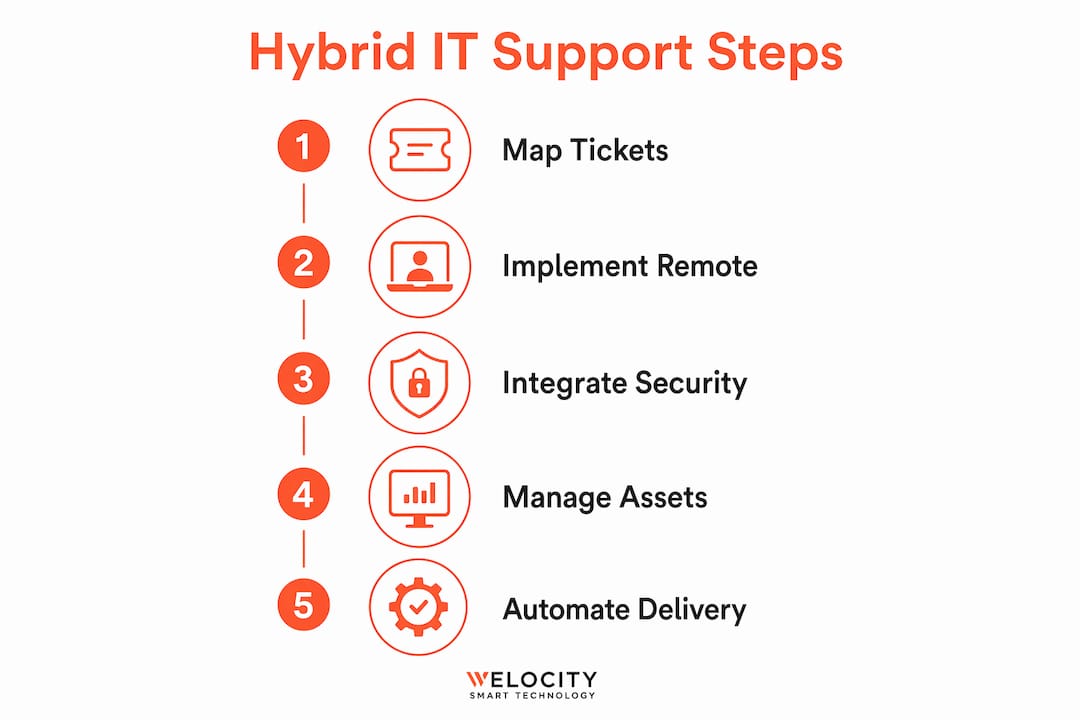
Zero-Trust architecture is the correct security posture for any hybrid work environment. It operates on the principle that no user, device, or network connection is trusted by default, regardless of whether the request originates inside or outside the corporate perimeter. Successful hybrid IT requires a transition to Zero-Trust architectures with mandatory MFA and conditional access for every endpoint. That is not a recommendation; it is the operational baseline for any enterprise with employees working across multiple locations and networks.
The practical implementation of Zero-Trust for support teams involves four layers:
- Identity verification: MFA is mandatory for every application and system access request. Conditional access policies restrict login based on device compliance state, location, and risk score.
- Endpoint compliance enforcement: UEM platforms such as Microsoft Intune or Jamf automate patch management globally without requiring physical access to devices. Non-compliant devices are quarantined automatically.
- EDR and MDR telemetry: Endpoint Detection and Response tools operate off-network, providing continuous visibility into device behaviour regardless of whether the employee is on corporate Wi-Fi or a home broadband connection.
- Least-privilege access: Users receive only the permissions required for their role. Privilege escalation requests are logged, reviewed, and time-limited.
The operational intensity of this model is real. Dispersed endpoints generate more telemetry, more alerts, and more remediation events than a centralised office fleet. Endpoint-based telemetry like EDR and MDR operating off-network is the primary mechanism for visibility into home network issues, which represent the weakest link in hybrid support chains. Teams that underinvest in this layer find themselves responding to incidents rather than preventing them.
Pro Tip: Before deploying a UEM platform, audit your existing device estate for operating system versions and hardware age. Devices more than four years old frequently fail compliance checks under modern UEM policies, creating a hidden remediation backlog that delays your Zero-Trust rollout.
How should enterprises manage physical IT services in hybrid environments?
Physical IT service delivery is the layer that remote-first models cannot fully replace. Hardware failures, new-starter kit distribution, and device returns all require a structured physical process. The question is not whether physical support is needed, but how to deliver it without defaulting to costly engineer dispatch for every interaction.
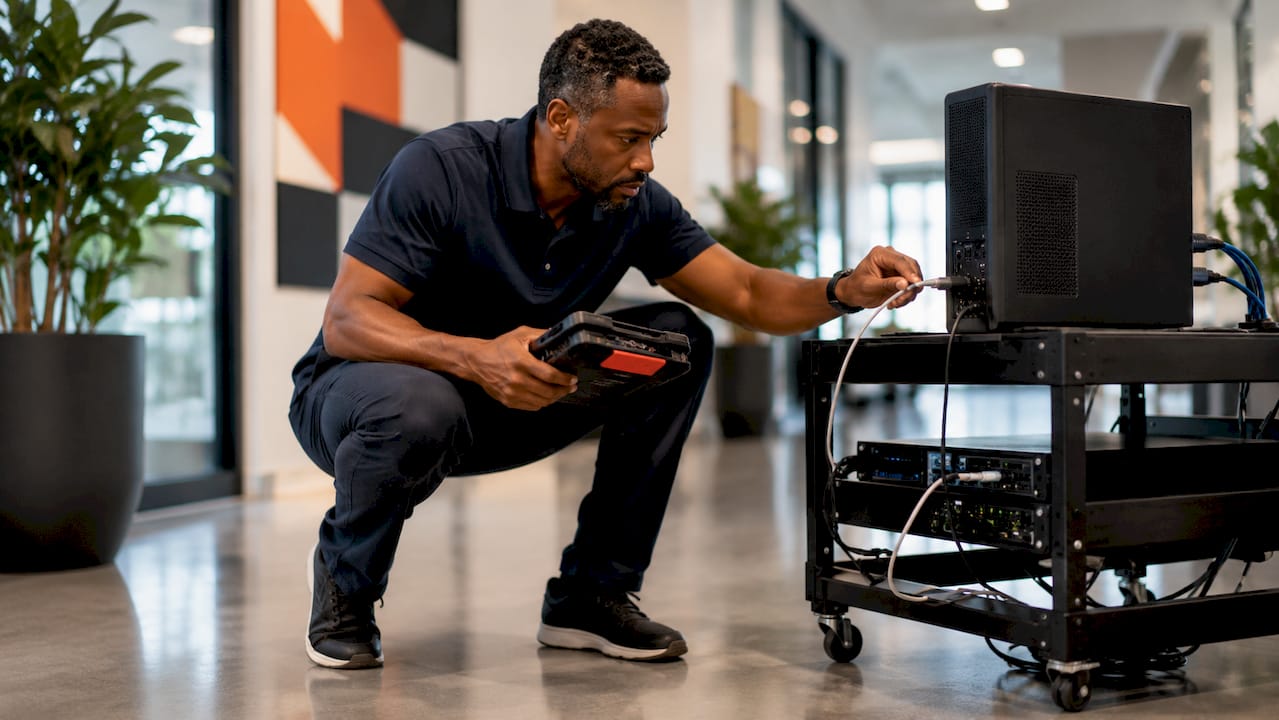
Treating devices as subscriptions with CMDB-integrated lifecycle tracking prevents hardware loss and procurement wastage in hybrid environments. Device states tracked include “in-transit,” “in-use,” “returned,” and “deprovisioned.” Each state transition is a CMDB record, not a spreadsheet entry. That distinction matters at scale: a global enterprise managing 50,000 endpoints cannot afford invisible device movements.
The table below compares two physical service delivery models for hybrid enterprises:
| Approach | Traditional engineer dispatch | Automated hardware distribution |
|---|---|---|
| Fulfilment speed | 24–72 hours, subject to engineer availability | Same-day or next-day via smart locker or vending unit |
| Cost per transaction | High, includes travel time and labour | Low, self-service with CMDB-native audit trail |
| CMDB integration | Manual update, prone to lag | Automated state change on collection or return |
| Employee experience | Dependent on engineer schedule | 24/7 access, no appointment required |
| Scalability | Linear cost increase with headcount | Fixed infrastructure cost, scales with usage |
Standardisation via golden images is the configuration discipline that makes automated distribution viable. A golden image is a pre-configured, tested operating system build deployed to every device in a given role category. It removes the bespoke home setup problem: when every device in a fleet shares the same baseline configuration, patch management and remote remediation become predictable.
Smart IT support kiosks extend this model to the walk-up support experience. Rather than queuing for a human technician at a traditional tech bar, employees interact with an AI-powered kiosk that handles diagnostics, peripheral dispensing, and device swaps. The future of IT support is moving decisively in this direction, with intelligent service points replacing staffed help desks in high-footfall enterprise locations.
What are the biggest challenges in scaling hybrid IT support globally?
Scaling support for hybrid teams across multiple countries introduces operational challenges that do not appear in single-site deployments. Home network variability is the most persistent. Traditional on-premises tools lack visibility into the home network dimension, meaning support teams often diagnose device issues when the root cause is a local ISP or home router problem. Endpoint-centric telemetry closes that gap, but it requires investment in tooling and analyst capacity.
Documentation silos are the second major challenge. Comprehensive build documentation and clear escalation paths prevent knowledge silos common in hybrid support teams. Without documented escalation paths, support engineers in different time zones resolve the same class of issue differently, creating inconsistent employee experiences and untracked workarounds that complicate future remediation.
The table below maps common hybrid IT challenges to recommended operational responses:
| Challenge | Operational response |
|---|---|
| Home network variability | Deploy EDR/MDR with off-network telemetry; build ISP-specific diagnostic workflows |
| Documentation silos | Maintain a hybrid-specific knowledge base with mandatory escalation path documentation |
| Distributed hardware loss | CMDB-integrated asset tracking with automated state transitions |
| Patch management inconsistency | UEM platform with golden image baseline and automated compliance enforcement |
| Operational cost at scale | MSP partnership or dedicated endpoint operations team; scaling tech teams globally reduces per-unit support cost |
Cloud-first infrastructure migration simplifies hybrid IT by removing dependence on on-premise resources and ensures consistent access from any location. Moving applications and data off the office network makes the on-site versus remote distinction operationally irrelevant for most support scenarios. Microsoft 365, Google Workspace, and cloud-native identity platforms like Azure Active Directory are the standard building blocks of this architecture.
Hybrid IT operational intensity is higher than most IT leaders anticipate, because dispersed endpoint management requires either in-house capacity or MSP partnerships to handle scale. That cost is the hidden line item in hybrid work budgets. Teams that plan for it explicitly, by building an endpoint operations function or contracting a specialist MSP, outperform those that absorb it informally into existing headcount.
Pro Tip: Establish a hybrid-specific support documentation standard before you scale. A single shared template for escalation paths, golden image versions, and network diagnostic steps reduces mean time to resolution more reliably than adding headcount.
Key takeaways
Effective hybrid workforce IT support requires a unified, remote-first service model that integrates endpoint security, structured asset management, and automated physical service delivery to operate at enterprise scale.
| Point | Details |
|---|---|
| Remote-first as default | Resolve every ticket remotely before considering physical intervention to reduce cost and improve speed. |
| Zero-Trust security posture | Mandate MFA, UEM-enforced compliance, and EDR telemetry for every endpoint regardless of location. |
| CMDB-integrated asset lifecycle | Track every device state from onboarding to decommissioning to prevent loss and procurement waste. |
| Golden image standardisation | Deploy consistent baseline configurations to all devices to make patch management and remote remediation predictable. |
| Automated physical fulfilment | Use smart lockers and kiosks to handle hardware distribution and walk-up support without engineer dispatch. |
Why the physical layer is the last unsolved problem in hybrid IT
The conversation about hybrid IT support has matured considerably over the past three years. Most enterprises now have a credible remote support model, a UEM platform, and some form of Zero-Trust identity policy. What I consistently observe is that the physical layer remains the weakest point, not because IT leaders do not understand its importance, but because the tooling to automate it has only recently become enterprise-grade.
The instinct to treat remote and on-site support as separate channels is understandable, but it is operationally expensive. Every time a support team maintains two distinct workflows, two sets of documentation, and two escalation paths, it doubles the governance overhead. The teams that perform best have collapsed these into a single service model where the resolution channel, remote or physical, is determined by ticket type, not by employee location.
What I find genuinely compelling about the direction the market is moving is the convergence of ServiceNow-native workflow orchestration with physical hardware endpoints. A smart locker that closes a ServiceNow ticket automatically when a device is collected is not a peripheral convenience. It is the mechanism that makes a truly unified service model possible. The hybrid working model only delivers its operational promise when the physical handover is as automated as the digital resolution.
My recommendation to IT leaders managing global hybrid environments: invest in endpoint telemetry and asset lifecycle tooling before you invest in headcount. The returns are more predictable, the governance is cleaner, and the scalability is structurally superior.
— Anthony
Automate your physical IT service delivery with Velocity-smart
The remote and digital layers of hybrid IT support are well-served by existing tooling. The physical layer is where most enterprises still rely on engineer dispatch, manual asset tracking, and staffed tech bars that do not scale. Velocity-smart addresses that gap directly. The Smart Kiosk™ replaces the traditional walk-up help desk with an AI-powered service point that handles diagnostics, peripheral dispensing, and device swaps without a technician present. Smart Lockers and Smart Vending units automate hardware distribution and returns, with every transaction recorded as a native ServiceNow CMDB entry. Explore the Smart IT Support Kiosk and see how enterprises are automating IT hardware at scale.
FAQ
What is hybrid workforce IT support?
Hybrid workforce IT support is a unified service model that delivers consistent IT assistance to employees working both on-site and remotely. It integrates remote resolution, endpoint security, and physical hardware management into a single operational framework.
How do enterprises reduce on-site IT tickets in a hybrid model?
Enterprises reduce on-site tickets by adopting remote resolution as the default for all support requests and deploying RMM tools to diagnose issues before employees raise them. Centralised asset lifecycle management and automated hardware distribution further reduce the need for engineer dispatch.
What security tools are mandatory for hybrid IT support?
MFA, UEM platforms such as Microsoft Intune or Jamf, and EDR tools operating off-network are the mandatory components of a hybrid security posture. Zero-Trust conditional access policies enforce device compliance before granting application access.
How does CMDB integration improve physical IT service delivery?
CMDB integration tracks every device state transition automatically, from onboarding through to decommissioning, eliminating manual asset updates and preventing hardware loss. It gives support teams real-time visibility into device location and ownership without spreadsheet-based tracking.
When should an enterprise use an MSP for hybrid IT support?
An enterprise should engage an MSP when its internal team lacks the endpoint operations capacity to manage a dispersed device fleet at scale. MSP partnerships are particularly effective for organisations with employees across multiple countries where local IT staffing is not cost-effective.
Recommended
See what Smart Collect® could save you
Model your savings in two minutes, or book a 60-minute workshop to pressure-test the numbers against your estate.