 7 Best Examples of Self-Service IT Support for Enterprises">
7 Best Examples of Self-Service IT Support for Enterprises
Over 60 percent of British businesses now rely on self-service IT solutions to overcome daily tech challenges. The rise of automated support tools is changing the workplace, cutting wait times and reducing pressure on busy IT teams. For British organisations looking to boost efficiency and keep staff productive, understanding the most effective self-service technologies can shape smarter support strategies and keep downtime to a minimum.
Table of Contents
- Automated Password Resets for End Users
- Smart Lockers for Instant Hardware Replacement
- Self-Service IT Vending Machines for Peripherals
- Knowledge Base Access for Rapid Issue Resolution
- Automated Software Deployment via Service Portals
- Self-Logging and Tracking of IT Support Requests
- Asset Return and Exchange Through Smart Collect
Quick Summary
| Key Insight | Explanation |
|---|---|
| 1. Empower End Users with SSPR | Implement self-service password reset for quicker user access and reduced help desk strain. |
| 2. Utilise Smart Lockers | Adopt smart lockers for instant device replacement to enhance employee productivity and reduce downtime. |
| 3. Implement Self-Service IT Vending | Provide automated access to peripherals, streamlining hardware distribution and reducing administrative tasks. |
| 4. Develop a Robust Knowledge Base | Create an intuitive, multimedia knowledge base to facilitate rapid troubleshooting and decrease support requests. |
| 5. Leverage Automated Software Deployment | Use automated service portals for consistent software distribution, reducing man-hours and errors in installations. |
1. Automated Password Resets for End Users
Modern enterprises are transforming their IT support strategies by implementing self-service password reset (SSPR) mechanisms that empower end users to regain system access without lengthy help desk interactions. This innovative approach dramatically reduces administrative overhead and accelerates user productivity.
Traditional password reset processes often involve complex procedures that consume significant IT support resources. By implementing automated solutions, organisations can streamline authentication workflows, enabling employees to rapidly reset credentials through secure, user-friendly interfaces.
Research examining authentication protocols reveals substantial inefficiencies in current password management systems. A systematic analysis of top-ranked websites demonstrated that many password update processes remain unnecessarily complicated and often fail to support modern password management tools, creating potential security vulnerabilities.
The key advantages of automated password reset systems include:
- Reduced Help Desk Workload: Eliminates manual password recovery requests
- Enhanced Security: Implements multi factor authentication checks
- Improved User Experience: Provides immediate access restoration
- Cost Efficiency: Minimises administrative intervention time
Successful implementation requires carefully designed workflows that balance user convenience with robust security protocols. Enterprises should prioritise solutions offering intuitive interfaces, strong verification methods, and seamless integration with existing identity management platforms.
2. Smart Lockers for Instant Hardware Replacement
Smart lockers represent a revolutionary approach to managing enterprise hardware support, offering organisations a seamless method for instant device replacement and technology distribution. These advanced systems transform traditional IT support models by providing rapid, secure, and automated hardware management solutions.
The core advantage of smart locker technology lies in its ability to streamline hardware replacement processes without requiring direct human intervention. Employees experiencing technical issues can quickly retrieve replacement devices through intuitive self-service interfaces, dramatically reducing downtime and administrative overhead.
Key Benefits of Smart Locker Implementation:
- 24/7 Device Availability: Enables immediate hardware access outside traditional support hours
- Reduced Support Ticket Volume: Minimises manual intervention for routine hardware exchanges
- Enhanced Security: Tracks device movement and maintains comprehensive audit trails
- Cost Efficiency: Eliminates extended support personnel engagement for basic hardware replacements
Successful smart locker deployments require strategic placement within organisational infrastructure, ensuring convenient access points and robust integration with existing IT management systems. By embracing this technology, enterprises can significantly improve employee productivity and simplify complex hardware support workflows.
3. Self-Service IT Vending Machines for Peripherals
Self-service IT vending machines represent a transformative approach to managing workplace technology resources, enabling employees to access essential peripherals and hardware components through automated, user friendly interfaces. These intelligent systems revolutionise traditional procurement processes by providing immediate, secure, and trackable hardware distribution.
Modern enterprises are adopting smart vending solutions to address critical challenges in technology asset management. By implementing these advanced systems, organisations can streamline peripheral distribution, reduce administrative overhead, and provide employees with instant access to critical work equipment.
Key Advantages of Self-Service IT Vending Machines:
- Instant Access: Employees retrieve peripherals without waiting for IT support
- Inventory Tracking: Comprehensive logging of device distribution and usage
- Cost Management: Precise monitoring of hardware consumption and replacement cycles
- Reduced Administrative Burden: Minimises manual intervention in hardware procurement
Successful implementation requires strategic placement of vending machines in high traffic areas, intuitive user interfaces, and robust integration with existing enterprise technology management systems. By embracing these innovative solutions, organisations can significantly enhance workplace efficiency and technology accessibility.
4. Knowledge Base Access for Rapid Issue Resolution
Knowledge bases represent a critical component of modern enterprise self service IT support, providing employees with instant access to comprehensive troubleshooting resources and technical documentation. These digital repositories transform traditional support models by enabling rapid autonomous problem resolution without direct human intervention.
Modern organisations are increasingly leveraging comprehensive technical documentation strategies to empower their workforce with immediate information access. Research indicates that well structured knowledge bases can significantly reduce support ticket volumes and dramatically improve employee productivity by providing clear, actionable guidance for common technical challenges.
Key Components of Effective Knowledge Base Design:
- Intuitive Search Functionality: Enables quick information retrieval
- Categorised Content: Organises information by technical domain and complexity
- Multimedia Support: Incorporates screenshots, videos, and step by step guides
- Regular Content Updates: Ensures information remains current and relevant
Successful knowledge base implementation requires a strategic approach that considers user experience, content quality, and continuous maintenance. By creating easily navigable, regularly updated resources, enterprises can transform their IT support model from reactive problem solving to proactive knowledge sharing.
5. Automated Software Deployment via Service Portals
Automated software deployment through enterprise service portals represents a transformative approach to technology management, enabling organisations to streamline software distribution while maintaining precise control over their digital ecosystem. These intelligent platforms revolutionise traditional software implementation processes by providing centralised, secure, and efficient deployment mechanisms.
Modern enterprises are implementing sophisticated service portal strategies to enhance technological agility and reduce manual intervention. Research indicates that automated deployment systems can significantly reduce implementation times, minimise human error, and ensure consistent software configurations across complex organisational networks.
Key Advantages of Automated Service Portal Deployment:
- Standardised Software Distribution: Ensures uniform application versions across the enterprise
- Rapid Deployment: Reduces software installation time from hours to minutes
- Compliance Management: Enables precise tracking and control of software installations
- Reduced IT Administrative Overhead: Minimises manual software management tasks
Successful implementation requires robust integration with existing enterprise technology infrastructure, comprehensive software catalogues, and granular access controls. By embracing automated deployment service portals, organisations can transform their software management approach from reactive distribution to proactive, strategic technology enablement.
6. Self-Logging and Tracking of IT Support Requests
Self-logging and tracking systems represent a sophisticated approach to enterprise IT support, empowering employees to monitor and manage their technical support interactions with unprecedented transparency and autonomy. These intelligent platforms transform traditional support models by providing users direct visibility into their support request lifecycle.
Modern organisations are implementing user centric support tracking mechanisms to enhance communication and reduce administrative overhead. Research indicates that transparent support request systems can significantly improve employee satisfaction, reduce response times, and provide comprehensive insights into organisational technical challenges.
Key Benefits of Self-Logging Support Request Systems:
- Real Time Request Visibility: Enables employees to monitor support ticket status
- Reduced Administrative Workload: Minimises manual ticket tracking for support teams
- Comprehensive Audit Trails: Provides detailed documentation of support interactions
- Improved Communication: Offers clear channels for ongoing technical support dialogue
Successful implementation requires robust integration with existing IT service management platforms, intuitive user interfaces, and comprehensive tracking capabilities. By embracing self-logging support request technologies, organisations can transform their technical support approach from reactive problem solving to proactive, transparent service delivery.
7. Asset Return and Exchange Through Smart Collect
Asset return and exchange processes represent a critical evolution in enterprise technology management, enabling organisations to streamline hardware lifecycle management with unprecedented efficiency and transparency. Smart Collect technologies transform traditional asset management approaches by providing automated, secure mechanisms for device retrieval and replacement.
Modern enterprises are reimagining asset management through intelligent tracking systems that minimise administrative overhead and enhance operational reliability. These sophisticated platforms allow organisations to track, return, and exchange technological assets with minimal human intervention, creating a seamless and accountable hardware management ecosystem.
Key Advantages of Smart Asset Return Systems:
- Automated Tracking: Provides real time visibility into asset movement
- Reduced Administrative Burden: Eliminates manual logging and processing
- Enhanced Security: Ensures precise chain of custody for technological equipment
- Cost Efficiency: Minimises loss and improves asset utilisation rates
Successful implementation requires robust technological infrastructure, intuitive user interfaces, and comprehensive integration with existing enterprise asset management systems. By embracing smart asset return technologies, organisations can transform their hardware management from a reactive process to a proactive, data driven strategy.
Below is a comprehensive table summarizing the main strategies and advantages discussed throughout the article regarding modern IT support solutions.
| Topic | Description | Key Advantages |
|---|---|---|
| Self-Service Password Resets | Enables end users to reset passwords without help desk intervention. | Reduces help desk workload, enhances security, improves user experience, cost-efficient. |
| Smart Lockers | Automated method for instant hardware replacement. | 24/7 device availability, reduced support tickets, enhanced security, cost-efficient. |
| IT Vending Machines | Automated access to peripherals via user-friendly interfaces. | Instant access, inventory tracking, cost management, reduced administrative burden. |
| Knowledge Bases | Digital repositories for troubleshooting and technical documentation. | Intuitive search, categorised content, multimedia support, regular updates. |
| Automated Software Deployment | Centralised platforms for efficient software distribution. | Standardised distribution, rapid deployment, compliance management, reduced overhead. |
| Self-Logging Support Requests | Platforms allowing employees to monitor support interactions. | Real-time visibility, reduced administrative workload, comprehensive audit trails, improved communication. |
| Asset Return and Exchange | Automated systems for streamlined hardware management. | Automated tracking, reduced burden, enhanced security, cost-efficient. |
Transform Your Enterprise IT Support with Velocity Smart Technology
The challenges highlighted in the article around self-service IT support such as automated password resets, smart lockers for hardware replacement, and self-logging of support requests reveal a widespread need for smarter, more efficient solutions that reduce administrative burden while enhancing security and user experience. Enterprises seeking to minimise downtime, automate equipment issuance, and proactively manage asset lifecycles face complex workflows and security concerns that traditional methods fail to address.
Velocity Smart Technology offers a revolutionary answer through our ServiceNow-certified smart locker and smart vending solutions. Our flagship product, Velocity Smart Collect, is uniquely built within your ServiceNow instance, removing costly manual processes and data privacy risks. By leveraging robust automation and seamless integration, organisations achieve:
- Rapid, secure hardware and consumable distribution
- Complete real-time tracking and audit trails
- Improved compliance and data security
- Significant cost and time savings
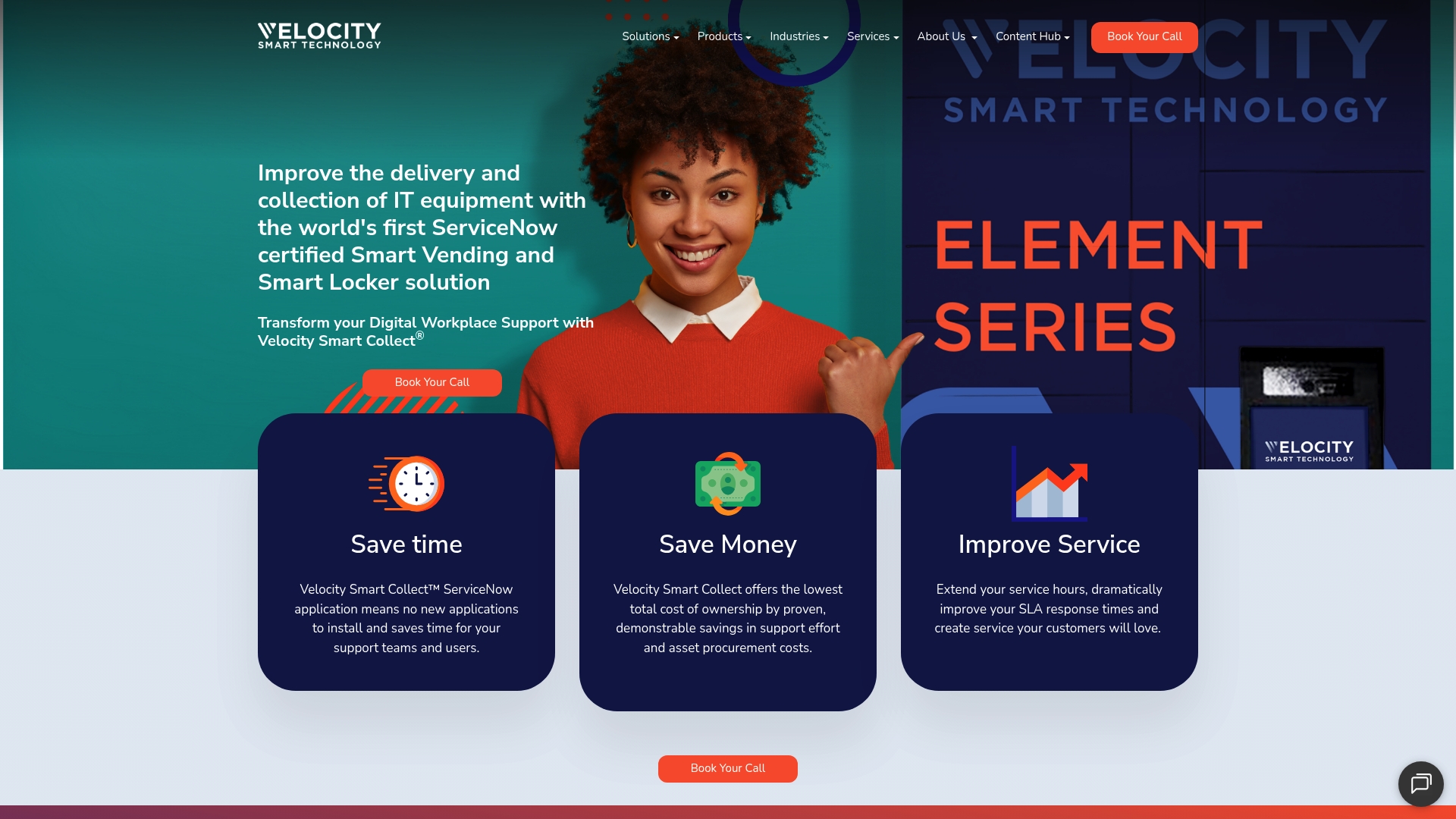
Elevate your enterprise’s IT support to the next level today by exploring how Velocity Smart technology can empower your workforce and simplify complex support workflows. Visit Velocity Smart Technology now and discover modern IT support solutions designed for your organisation’s success.
Frequently Asked Questions
What are the benefits of implementing automated password reset systems for enterprises?
Implementing automated password reset systems can significantly reduce help desk workload and enhance security by using multi-factor authentication. To improve overall efficiency, consider deploying such a system, which can streamline authentication workflows and offer immediate access restoration for users.
How can smart lockers improve the efficiency of hardware replacement in organisations?
Smart lockers provide 24/7 availability for device access, enabling employees to quickly retrieve replacement hardware without waiting for IT support. By implementing smart lockers, your organisation can minimise support ticket volume and reduce downtime significantly.
What features should a self-service IT vending machine have to be effective?
An effective self-service IT vending machine should offer instant access to essential peripherals, inventory tracking, and user-friendly interfaces. To enhance your organisation’s technology resource management, evaluate potential machines that focus on reducing administrative burden while maintaining security and tracking capabilities.
How can organisations create a comprehensive knowledge base for IT support?
To create a comprehensive knowledge base, ensure it has intuitive search functionality, organised content, and multimedia support for tutorials and guides. Regularly updating the knowledge base will enhance user experience and empower employees to resolve issues independently, ultimately reducing support ticket volumes.
What steps can enterprises take to automate software deployment?
Enterprises can automate software deployment by implementing service portals that provide standardised software distribution and rapid installation times. Focus on integrating these portals with existing technology infrastructure to improve compliance management and reduce administrative overhead in software management.
Why is self-logging and tracking of IT support requests essential for modern enterprises?
Self-logging and tracking of IT support requests provide real-time visibility into support ticket status and improve communication between users and support teams. To enhance employee satisfaction and reduce response times, consider implementing systems that allow users to monitor their own support interactions actively.
Recommended
See what Smart Collect® could save you
Model your savings in two minutes, or book a 60-minute workshop to pressure-test the numbers against your estate.